How High to Mount Your TV in the Living Room for Comfort
Mount your TV at eye level for less neck strain. Get exact height ranges by screen size.
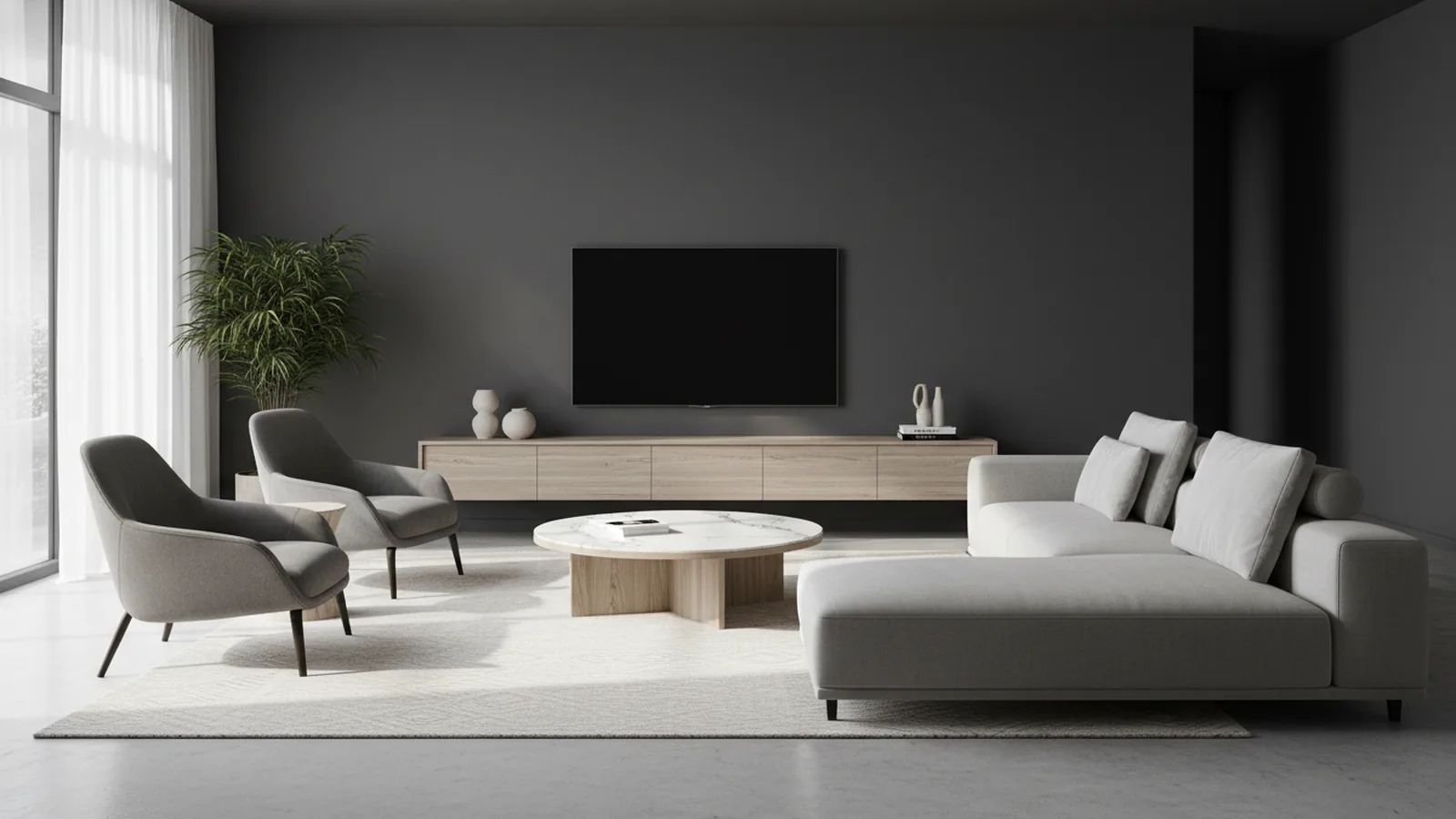
Understanding ideal TV height
If you want the quickest rule for how high to mount tv in living room, aim for the TV’s screen center to match your seated eye level. Most people land around 42 inches from the floor, give or take a few inches. This setup helps keep your gaze neutral, which reduces neck strain during longer viewing.
It is also the easiest way to avoid the two common problems: mounting too high so your chin tilts up, or mounting too low so you hunch forward. When the screen center lines up with seated eye level, your posture stays steadier.
Even if you like a dramatic “theater” look, comfort usually wins. A good mount height makes it easier to watch without checking your form every few minutes.
- Goal: TV screen center at seated eye level
- Typical starting point: about 42 inches from the floor
- Result: less neck strain and steadier posture
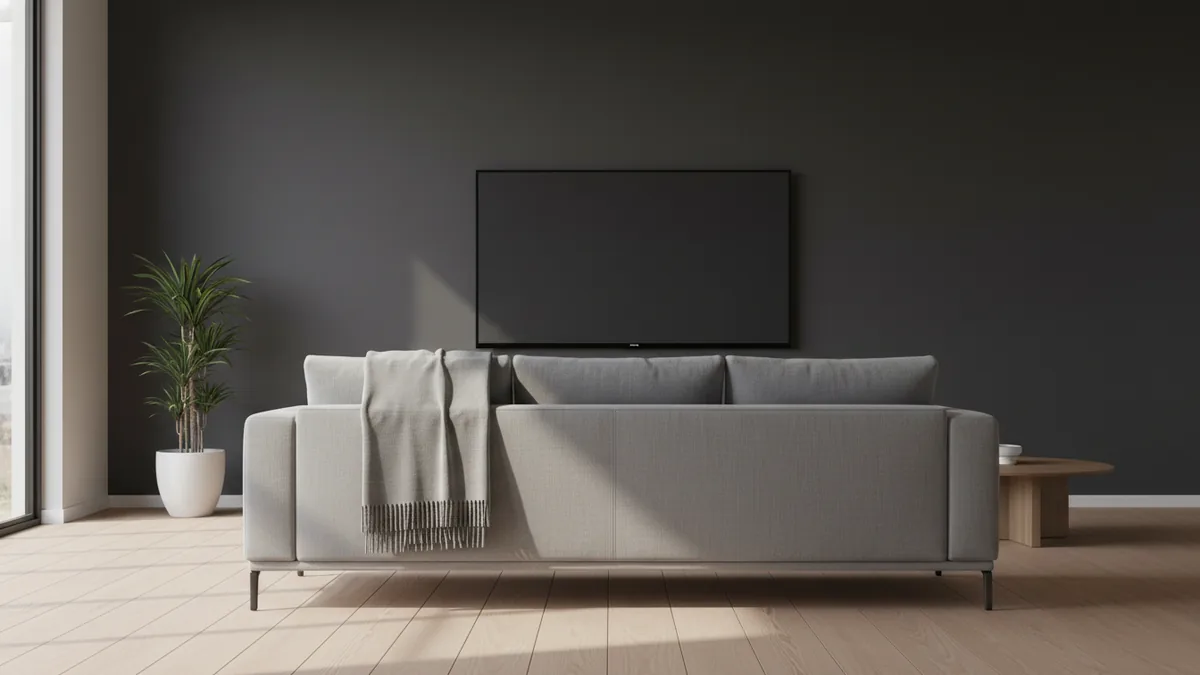
Factors that influence mounting height
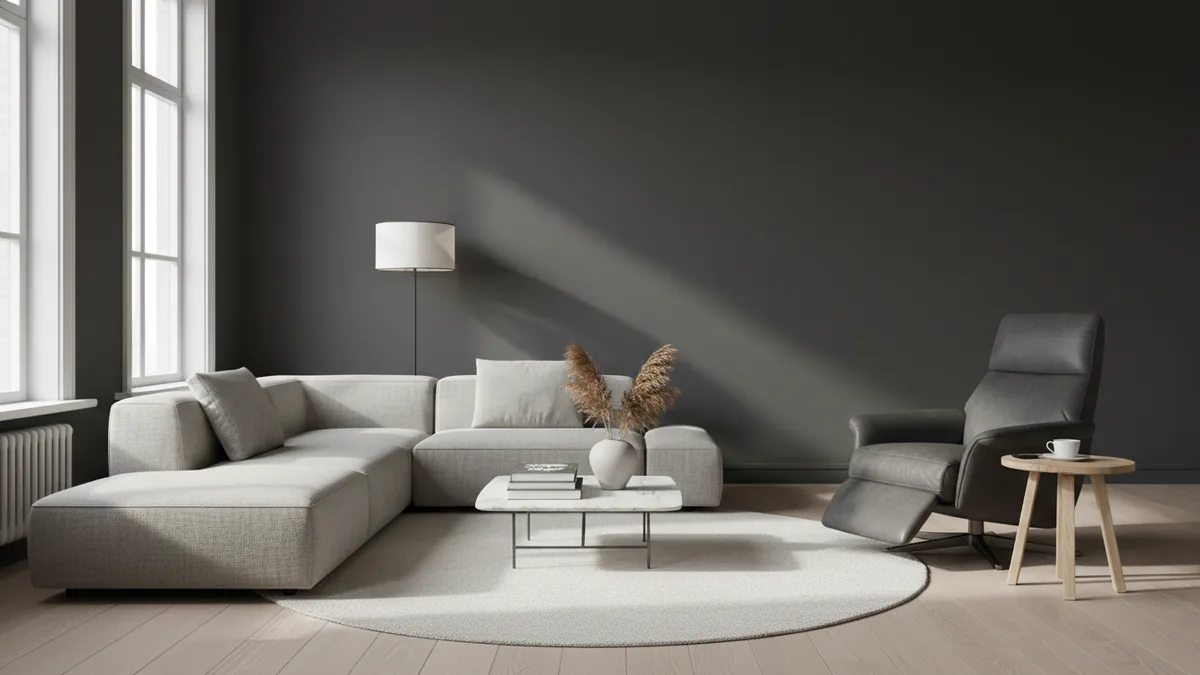
The best way to decide where to mount tv in living room is to measure from the way you actually watch. Furniture style changes seated eye level more than many people expect. For example, a modern low sofa can drop your eyes, while a recliner often raises them.
That means you should take measurements while seated in your usual watching spot. Sit in the posture you use for movies and shows. Then measure your eye level from the floor.
Viewing distance also matters. A larger TV generally needs a taller mount so the screen center still feels aligned with your eyes at your typical distance. If you move too far away, you can feel forced to tilt your head.
Room layout affects both distance and height. Keep an eye on where the seating lands relative to the TV. If you have an open floor plan, you may need a compromise height that works for more than one seating area.
| Factor | What it changes | Practical impact |
|---|---|---|
| Seating type | Eye level when seated | Recliners often raise your eye line |
| Viewing distance | Perceived screen center | Farther setups may need more height |
| Room layout | Where you can place the TV | Compromises may be needed |
| TV wall mounts | Mount depth and angle | Center stays consistent, but aim shifts |
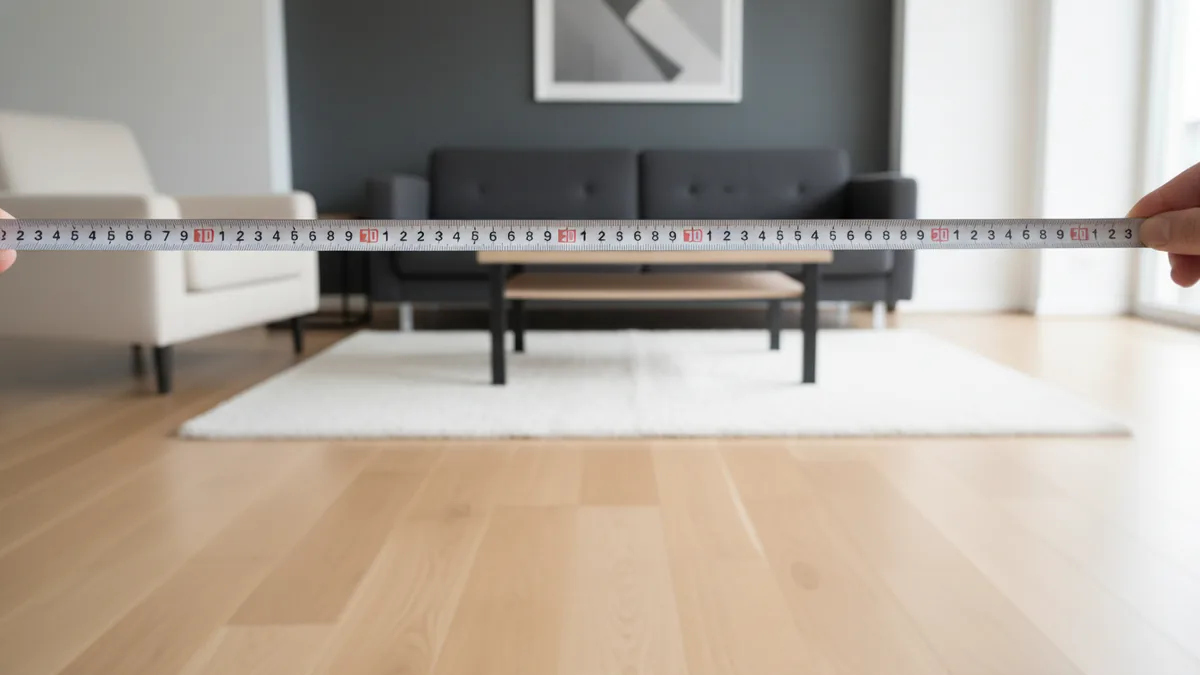
Measuring your eye level (the right way)
For accurate ergonomics, you need a reliable seated eye level measurement. Use your regular spot, then sit as you normally would. Lean back slightly if that is how you watch.
Pick a measuring method that is repeatable. Stand a few feet from your seating and measure from the floor to your eye line while sitting. If you want a simple tool-free method, hold a stick or ruler at eye height, then mark the floor.
Because “eye level” can vary by posture, measure more than once. Try two or three times and use the average. This helps if your posture shifts between relaxed and upright viewing.
- Measure while seated in the usual watching position
- Take 2–3 readings and average them
- Confirm the eyes you target are the ones facing the TV
Calculating TV center height
Once you know seated eye level, calculating TV center height becomes straightforward. Mount height is usually measured to the center of the screen, not the top or bottom. The target is: screen center = seated eye level.
If you are following general guidance, that target often lands around 42 inches from the floor. This is a practical starting point for many living rooms with standard couch heights and average posture.
Use TV dimensions to fine-tune. Screen size alone does not tell you the exact vertical center because the TV’s aspect ratio affects height. If you have the TV’s width and height, you can calculate the screen center more precisely.
As a practical reference, these recommended heights often feel right for common setups. They assume a typical seated posture and standard living room viewing distance. You can treat them as starting ranges, then adjust with your eye-level measurement.
| TV size | Recommended mount height (screen center) | What it helps with |
|---|---|---|
| 55-inch | 40–43 inches | Comfortable neutral gaze |
| 65-inch | 42–45 inches | Better alignment at common distances |
| 75-inch | 44–48 inches | Less head tilting for larger screens |
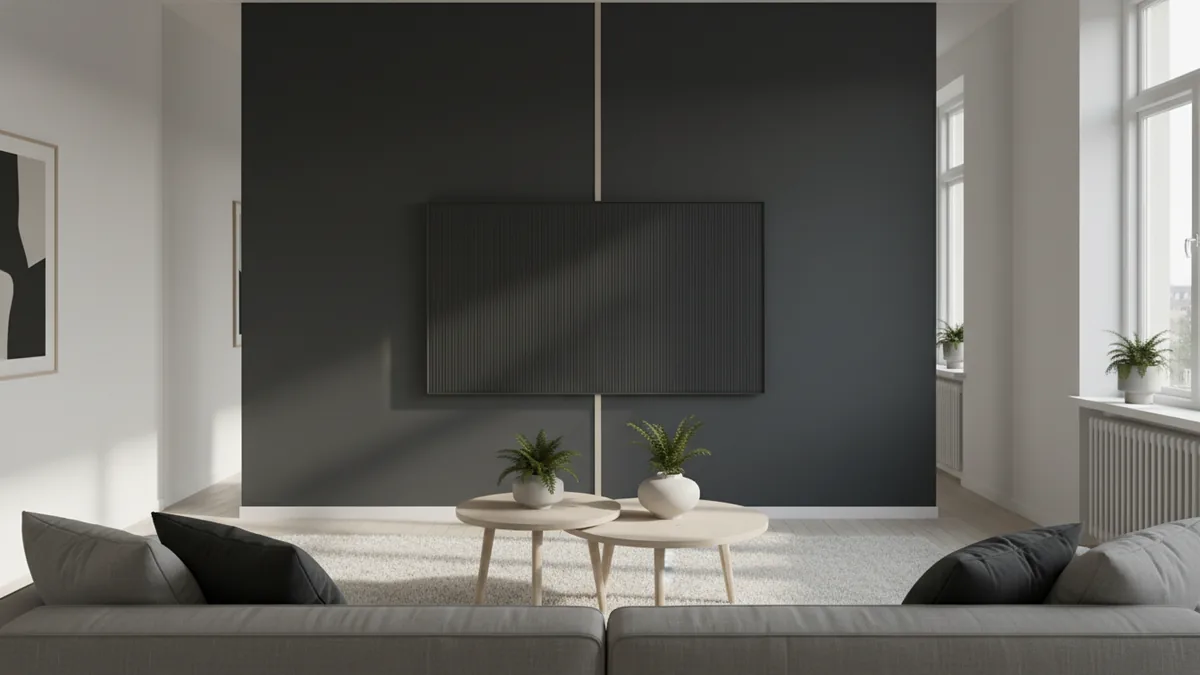
Adjustments for room layout and viewing distance
After you set a target, confirm it with your actual room layout. This is where the template method shines. Use a cardboard cutout or a TV mounting template if your mount kit includes one.
Place the cutout on the wall at your planned height. Then step into the seating area. Look at the TV from your normal viewing spot and pay attention to your neck and eyes.
If you feel yourself lifting your chin, the TV may be too high. If you feel yourself leaning forward or lowering your chin, it may be too low. Adjust in small steps, like 1–2 inches at a time, until it feels effortless.
Viewing distance can shift the ideal height. If your seats are closer than average, you may prefer a slightly lower mount. If your seats are farther away, a higher mount can help keep the screen center in line with seated eye level.
For tricky rooms with high ceilings, fireplaces, or limited wall space, tilting TV mounts can help. A tilt changes the viewing angle without changing the screen center as much as you might think. This can be useful when you must mount higher for clearance.
- Set a first target using seated eye level or the size ranges
- Use the template method to visualize the placement
- Test from your seated viewing spot
- Adjust by 1–2 inches until gaze feels neutral
- Use tilting TV mounts if you must clear obstacles
Tips for different TV sizes
When people ask how high to mount tv on wall in living room, they often mean they want a simple range. The ranges below work best when you mount for screen center, then test with your seating posture. Start in the middle of the range, then fine-tune using your eye level.
For a 55-inch TV, a common target is 40–43 inches from the floor for the screen center. This range typically supports neutral posture on standard sofas. If you have a low, deep couch, you might need to lean toward 40 inches.
For a 65-inch TV, a good starting range is 42–45 inches. This matches many living rooms where people watch from farther away than with smaller sets. If your seating is close, consider staying closer to 42 inches.
For a 75-inch TV, expect a starting range around 44–48 inches. Larger screens cover more of your field of view, so the center alignment matters more. If the TV is too high, the eyes can feel forced upward, which shows up fast as neck strain.
- 55-inch: often 40–43 inches for screen center
- 65-inch: often 42–45 inches for screen center
- 75-inch: often 44–48 inches for screen center
Common mistakes to avoid
One of the most frequent errors is mounting too high because the TV “looks better” at eye height while standing. Your body posture while standing is not the same as seated posture. If the screen center is above your seated eye level, you risk discomfort and bad posture.
Another mistake is guessing without a template or cutout. People often imagine how the height will feel from the couch. Then they discover the TV is slightly off and spend months adjusting cushions and head angles.
Do not aim at the top of the TV. Most mounts and measurements should focus on screen center. If you mount based on the top edge, your viewing angle can shift and push your neck into a tilted position.
Finally, skip the “one-size-fits-all” approach when you have unusual seating or multiple viewing zones. If one group sits in recliners and another sits on a higher chair, pick the measurement that matches the main viewing area. Then consider a tilting TV mounts solution for minor angle issues.
- Avoid mounting for standing eye level
- Use the template method before drilling
- Measure screen center, not the top edge
- Compromise only when room layout forces it
When the TV’s screen center aligns with seated eye level, your viewing experience improves immediately. You should feel your neck stay relaxed, even during longer sessions. That is the real goal behind the numbers.
Frequently asked questions
- What is the general guideline for how high to mount a TV in a living room?
- Align the TV’s screen center with your seated eye level. Many setups land around 42 inches from the floor, then adjust a few inches based on comfort.
- How do I measure where to mount tv in living room correctly?
- Sit in your usual viewing spot and measure from the floor to your eye level. Take a couple readings and average them before you decide mount height.
- Do viewing distance and TV size change the mount height?
- Yes. Larger TVs are often mounted higher so the screen center stays aligned at typical viewing distance. Common starting ranges are 55-inch (40–43 in), 65-inch (42–45 in), and 75-inch (44–48 in).
- Should I mount a TV based on the top edge or the center of the screen?
- Use the screen center. Mounting based on the top edge can shift your viewing angle and lead to neck strain.
- Can a tilting TV mount fix problems if the TV must be mounted high?
- Often, yes. A tilt can improve the viewing angle when clearance forces a higher mount, reducing discomfort even if height cannot change.
- What is the template method for mounting a TV?
- Use a cardboard cutout or the mount template to visualize the TV placement. Test it from your seated spot, then adjust before you drill.
Related reading

Narrow Rooms — Paint, Light and Space
Use paint, light and smart furniture placement to open up a narrow room.
Room Painting Costs — What Shapes Your Quote
Room painting often costs $200–$1,000. See what drives the price and how to compare quotes.

Kitchen Cabinet Tops — Style, Texture and Seasonal Charm
Style cabinet tops with balanced layers, useful texture, and decor that suits your kitchen.