Can I Design My Own Kitchen Online? Tools and Step-by-Step Guide
Yes—design your kitchen online with free tools, guided help, and simple steps.
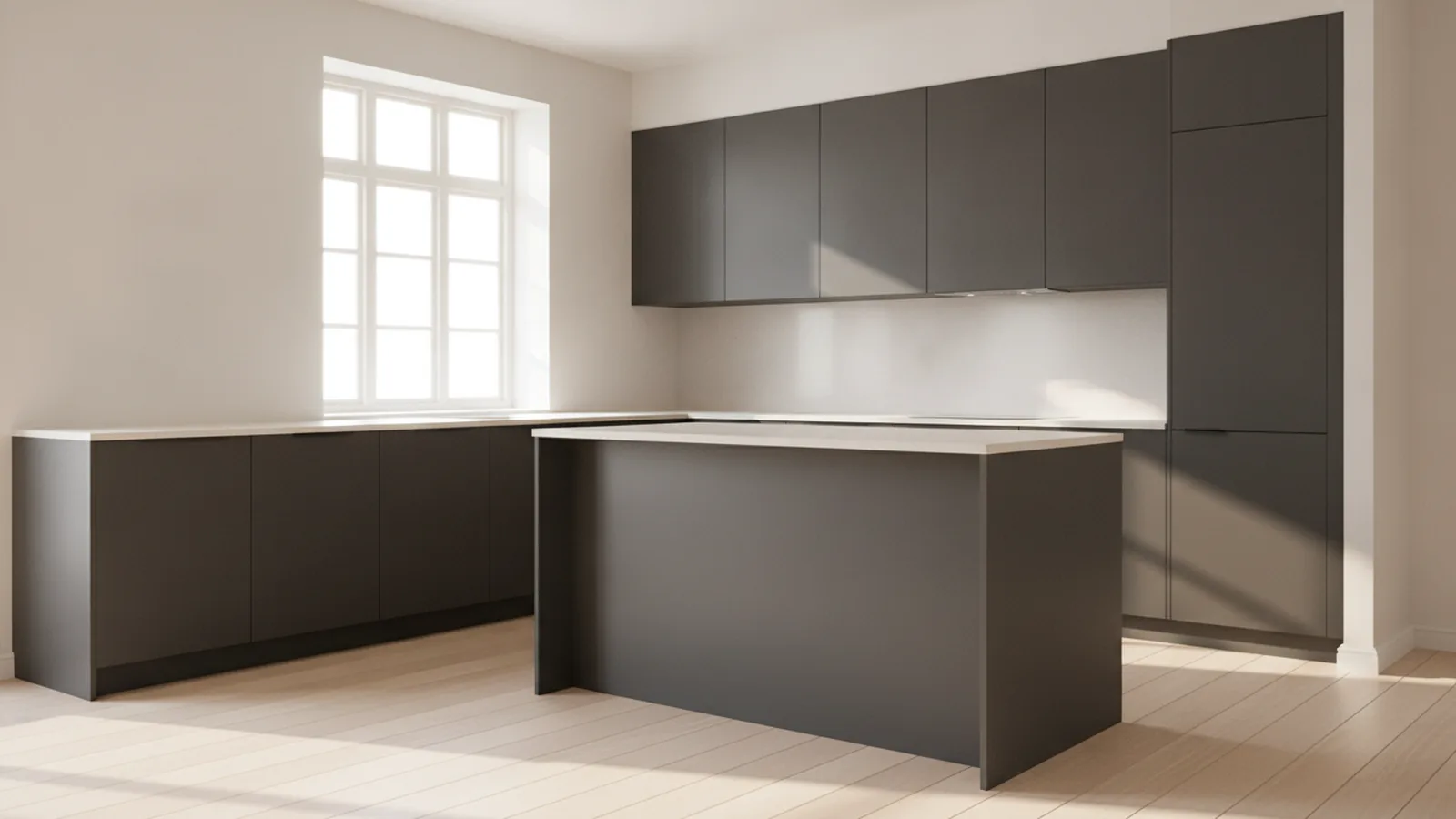
Online kitchen design: can you do it yourself?
Yes, you can design your own kitchen online. Most people start with a simple question: can i design my own kitchen online without hiring an interior designer? You can, if you use a 3D kitchen planner or a virtual kitchen design tool that lets you place cabinets, appliances, and finishes.
In practice, how to design a kitchen online comes down to building a repeatable workflow. Pick a kitchen layout first. Then choose cabinetry, measure clearances, and test finishes in 3D before you commit to orders.
If you also searched for how to design a kitchen online free, you have options. Many tools offer a no-cost plan, basic 3D views, or guided presets. You can still get a useful plan, even if you later upgrade for higher detail.
[h2]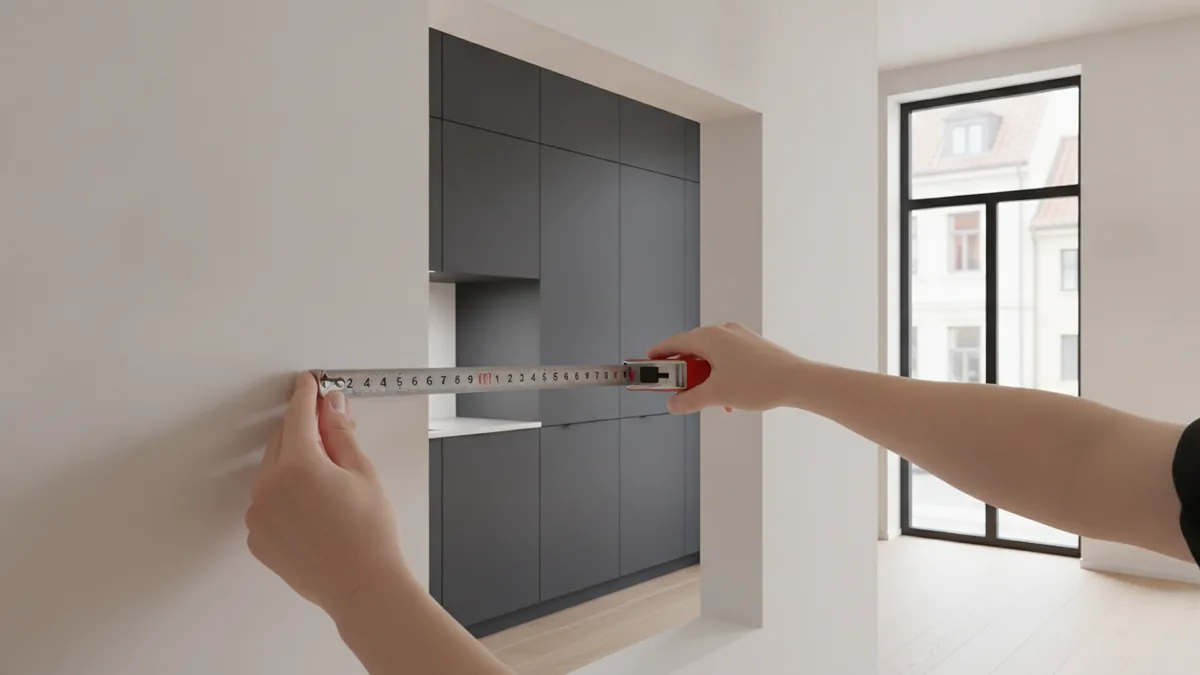
Why design your kitchen online instead of starting from scratch
Online design tools are popular because they are easy to start and quick to iterate. You can change a layout, swap cabinet colors, and update appliance placement in minutes. That speed helps you learn what works before you spend money.
Another advantage is accessibility. You can design on a laptop or tablet from your own home. You also get visual feedback, which makes interior design principles easier to apply.
Finally, online planning reduces guesswork. A good 3D kitchen planner shows depth, clearances, and sight lines. It also helps you keep a consistent kitchen style inspiration direction across cabinets, countertops, and hardware.
Step-by-step guide to designing your kitchen online
To learn how to design a kitchen online, follow a sequence. You will avoid rework and make better choices on finishes. Treat this like a small project plan, not a one-time sketch.
- Measure what matters first. Record wall lengths, door locations, window sizes, and any existing plumbing lines. Add a note of ceiling height and floor type.
- Pick a kitchen layout to start. Choose the layout that fits your room: L-shaped, U-shaped, or a kitchenette. If you have limited space, a galley plan can also work.
- Place the core work zones. In most designs, the fridge, sink, and cooktop define your workflow. Keep a comfortable path between them.
- Choose kitchen cabinetry and storage. Decide on door style, cabinet heights, and how you want to store cooking tools. Use upper cabinets where you need vertical storage.
- Integrate appliances. Match appliance widths to your cabinet openings. Then confirm oven placement, range hood height, and any clearance requirements.
- Select countertops and backsplashes. Test at least two options. Look at how the backsplash color changes the look of your kitchen style inspiration.
- Lock in a color palette selection. Pick one main wood or cabinet color, one countertop tone, and one accent. Keep the accent small so the look stays calm.
- Review the plan in 3D. Rotate the view and check sight lines. Also check whether doors and drawers can open without bumping into each other.
If you feel unsure, you can still use a blank slate approach. But you will often move faster with templates and guided steps that assume common dimensions and placements. Those choices give you a usable starting point.
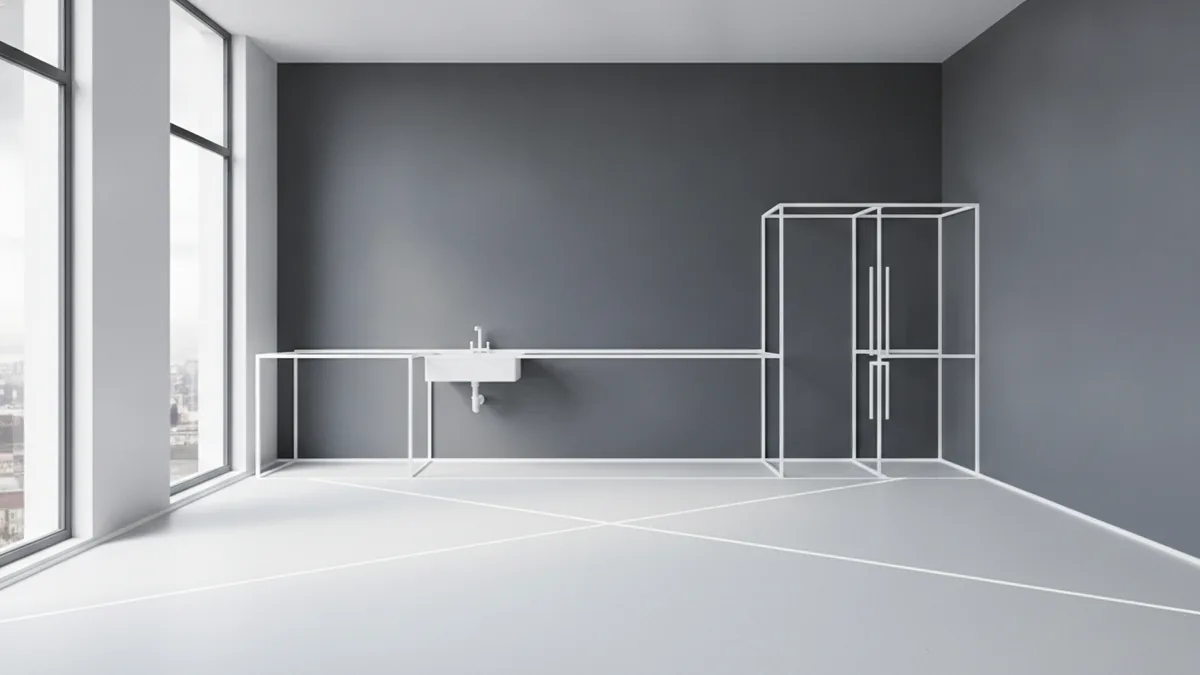
Free tools and guided options for online kitchen design
If your goal is how to design a kitchen online free, start by exploring tools that offer a no-cost planner. Many include basic 3D kitchen planner views, cabinet libraries, and export screenshots for reference. Some also let you create multiple layout versions without paying.
When you want better accuracy, look for guided design options. These workflows often ask for measurements and then recommend a kitchen layout and compatible cabinetry sizes. They can also help with appliance integration, since you select appliances from a catalog.
Here is what to check in an online design tool before you commit time.
| Tool feature | Why it matters |
|---|---|
| 3D visualization | Helps you see the kitchen style in context and judge proportions. |
| Customization options | Lets you swap finishes, cabinet colors, and hardware without restarting. |
| Layout library | Supports common kitchen layout choices like L-shaped or U-shaped. |
| Appliance integration | Reduces mismatch errors when you plan cabinet openings. |
| Measurement guidance | Improves the chance that your plan fits real-world clearances. |
Common mistakes to avoid when you design online
Online planning is forgiving, but a few mistakes can still derail your project. One of the biggest issues is skipping measurements. If you guess wall lengths or ignore door swing clearance, your finished plan may look good in 3D but fail in real life.
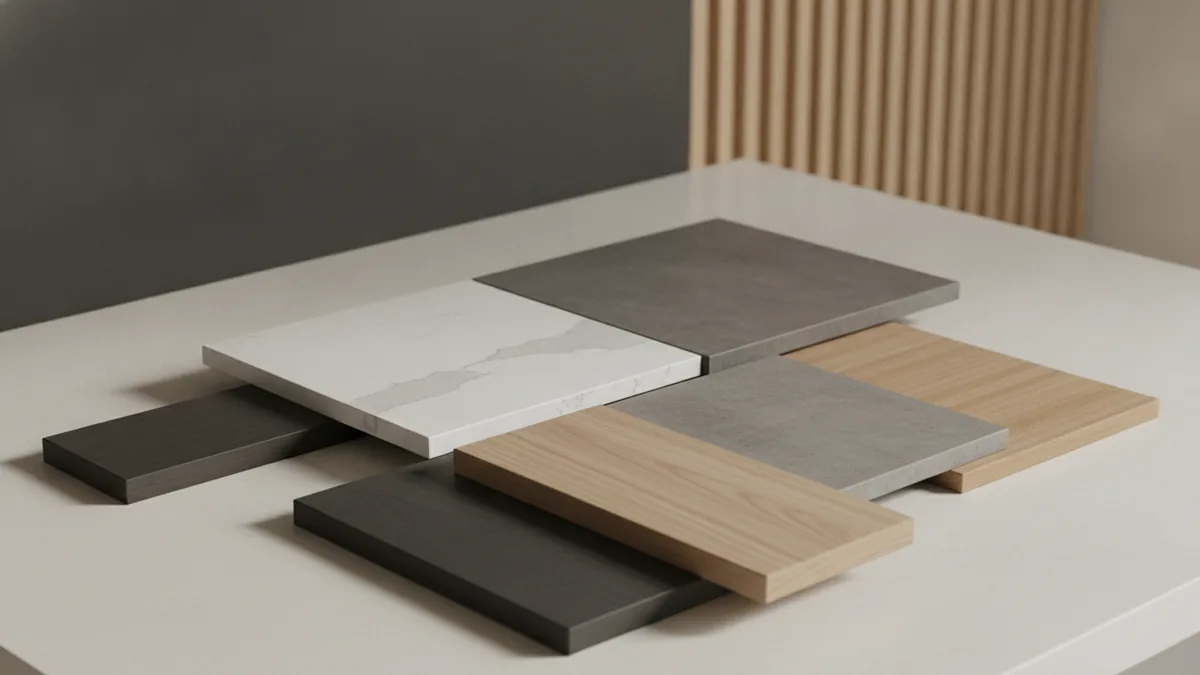
Another mistake is choosing finishes too early. Cabinet color and countertop tone interact under different lighting. It helps to test combinations before you commit to a single color palette selection.
Also watch for layout pressure. It is tempting to cram too much storage into a small kitchen. If you do not leave comfortable working space around your sink and cooktop, daily use will feel cramped.
Use these quick checks as you refine your plan.
- Door and drawer clearance: Confirm everything opens fully in the 3D view.
- Appliance fit: Ensure widths match cabinet openings and allow ventilation paths.
- Work triangle spacing: Avoid making the route between fridge, sink, and cooktop awkward.
- Lighting direction: Check how your backsplash and countertop look under morning and evening light.
Inspiring design ideas you can test in your planner
Even if you are designing online, you still need a direction. Start with kitchen style inspiration that matches your routine. For example, if you cook often, prioritize easy access to pots, pans, and daily-use spices.
Try color and material options in small steps. Pick a main cabinet color first, then choose a countertop tone that complements it. Next, use the backsplash to add contrast without overwhelming the space.
Here are a few idea patterns that work well in many online design tools.
- Warm wood + soft white: A light cabinet body with warm wood accents creates a bright feel.
- Matte dark cabinets + lighter counters: Use contrast to keep the kitchen from looking heavy.
- Simple shaker style + bold hardware: Keep the cabinet lines clean, then add personality with pulls.
- U-shaped layout with tall storage: Place pantry or tall units at the outer runs for maximum organization.
As you test virtual kitchen design options, keep your interior design principles consistent. A kitchen looks “designed” when the finishes repeat with purpose, not when every surface is different.
Conclusion and next steps
To design your kitchen online, start with layout, then build out cabinetry, appliances, and finishes in a clear sequence. The best tools combine 3D visualization with customization, so you can explore options without losing time. If you searched how to design a kitchen online free, begin with a no-cost plan and only upgrade when you need higher detail.
Next, save multiple versions. Keep one “safe” plan and one more adventurous plan. Then review them side by side in your 3D kitchen planner and pick the one that feels practical and cohesive.
If you want help beyond a blank slate, try guided design options. They can reduce mistakes by pairing your measurements with a suggested cabinet and appliance plan. That small nudge often saves hours of trial-and-error.
Frequently asked questions
- Can I design my own kitchen online without special skills?
- Yes. Start with a kitchen layout tool, add cabinets and appliances, then review the result in 3D. Most planners are built for everyday users.
- What layouts can I design online?
- Common options include L-shaped, U-shaped, and kitchenette plans. Many tools also support galley layouts if your room is long and narrow.
- What should I look for in an online kitchen design tool?
- Choose tools with 3D visualization, strong customization, and appliance integration. Measurement hints or clearance checks also help reduce errors.
- How do I design a kitchen online free?
- Use free tiers that let you build a basic plan with cabinets and finishes. Then export screenshots or save versions for later decisions.
- Are guided design options better than a blank slate?
- Often, yes. Guided flows recommend compatible sizes and placements, which reduces rework. You still control style choices like color and materials.
- What are the most common mistakes in online kitchen designs?
- Avoid skipping measurements and forgetting door and drawer clearance. Also test finish combos under your lighting before you finalize.
Related reading
Couch Placement — Comfort, Flow, and Style
Arrange couches for easy movement, good conversation, and a balanced room.
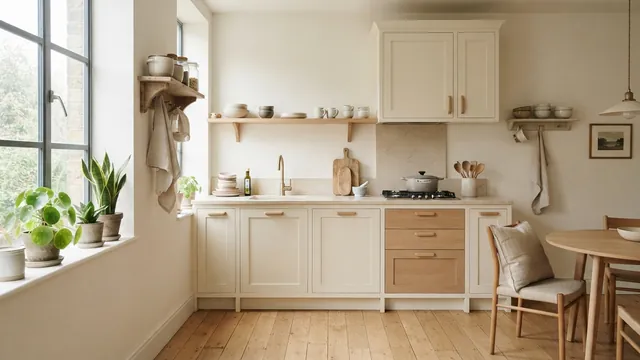
Small Kitchen Design — Light, Space and Smart Storage
Use light, smart storage, and slim furnishings to make a small kitchen feel more open.
Living Room Paint — Measurements and Buying Tips
Measure your walls, count coats, and buy the right amount of living room paint.