How to Design an Escape Room Players Will Love
Build a fun escape room with a strong theme, fair puzzles, and smart game flow.
Start With a Strong Escape Room Theme
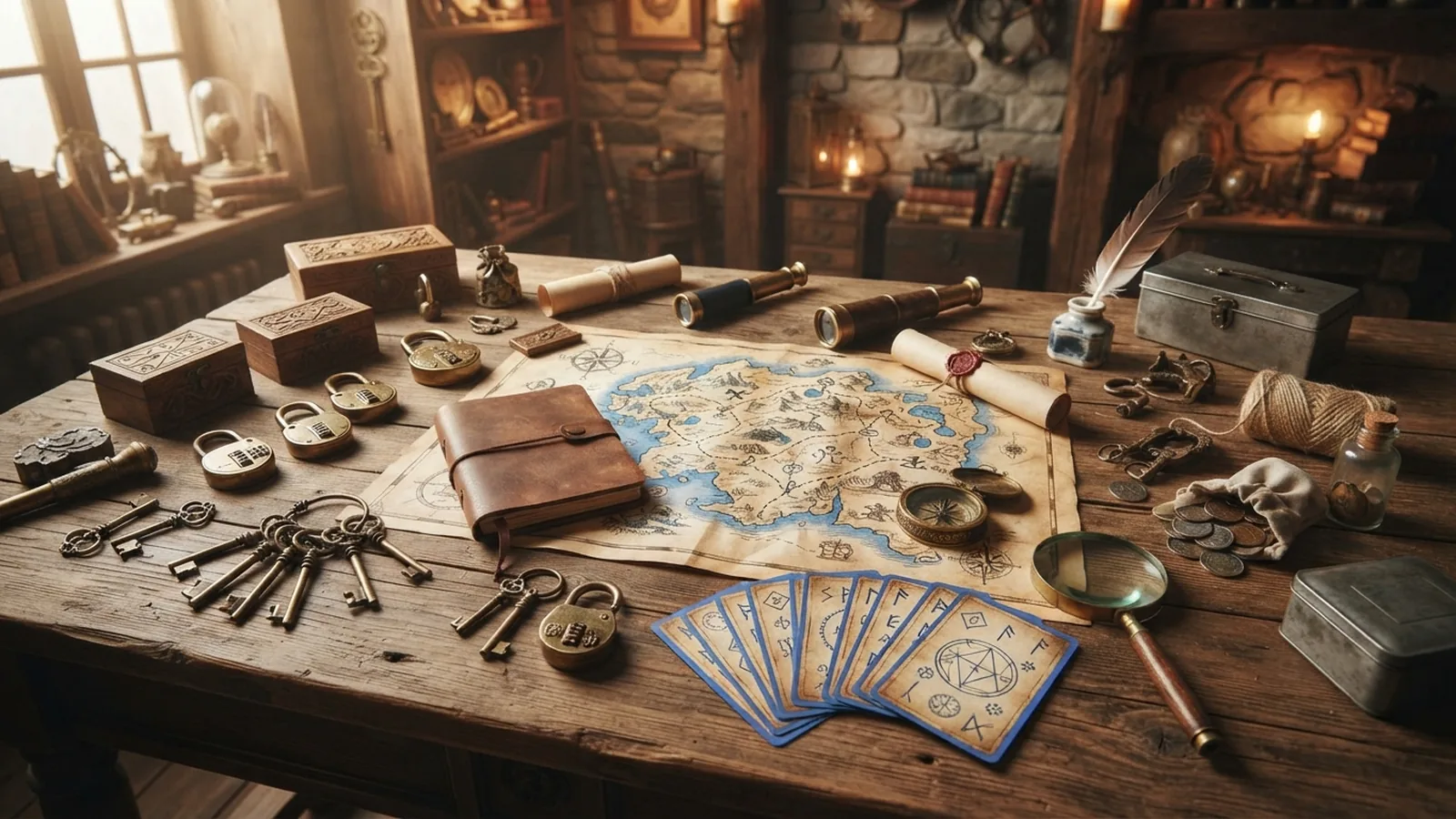
To design an escape room, start with a clear theme, goal, and player experience. Pick one setting that can guide every clue, prop, sound, and choice. A strong theme gives players context before the first puzzle begins.
Choose a theme with a simple hook. Players might break into a lost explorer’s cabin or repair a failing space station. The best themes create questions that puzzles can answer. They also give you a clear look for the room.
Test your idea against three basic checks before you build it:
- Can players explain the main goal in one sentence?
- Can the setting support at least five different puzzles?
- Can you show the theme through objects and actions?
Avoid themes that depend on hard-to-find props or deep background knowledge. Players should understand the world within the first few minutes. A focused theme also keeps your budget and build time under control.
Build a Story That Drives the Game
A good storyline connects the theme, the player goal, and the puzzle path. Give players a reason to act now. “Find the cure before the lab seals” creates more urgency than “solve these clues.”
Write the story in three short parts. First, explain the problem and the goal. Next, reveal new facts as players solve puzzles. Last, give them a clear final choice or escape.
Each puzzle should reveal something useful. It may unlock a door, explain a character’s plan, or expose a hidden threat. This approach makes storytelling in games feel active. Players learn by doing, not by reading long notes.
Keep written story parts brief. Aim for less than 100 words per note or message. Use props, sound, lighting, and room changes to carry the rest of the story. The room should feel like one connected experience.
Design Puzzles With Clear Logic
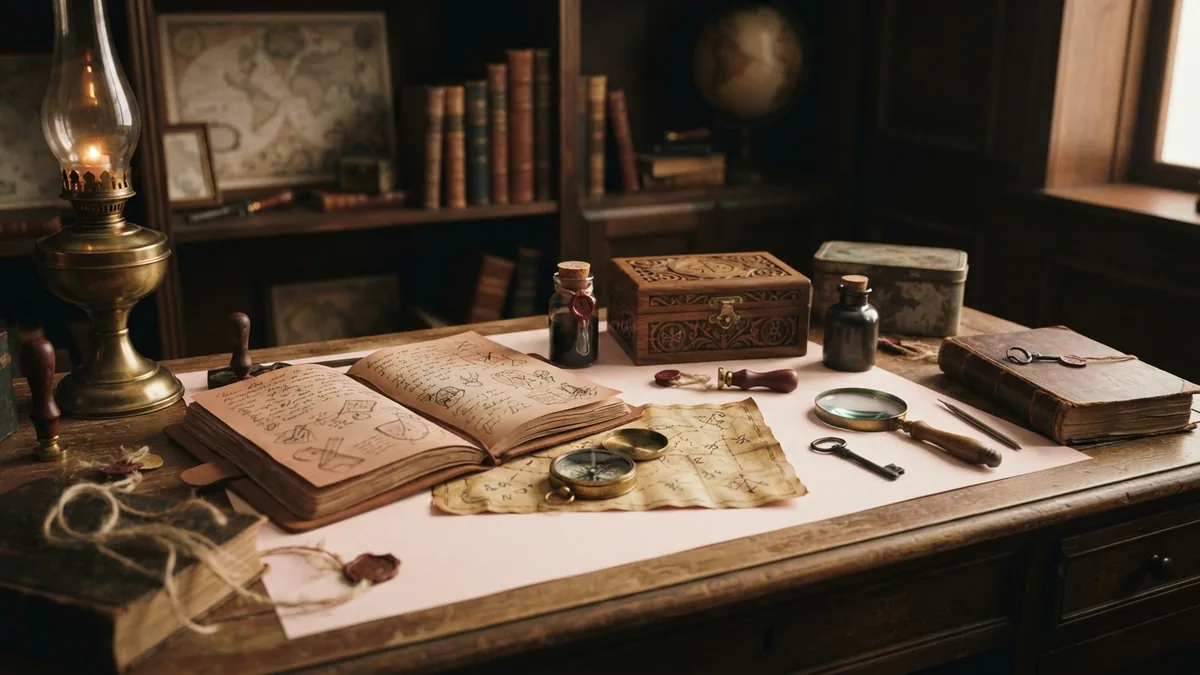
Effective puzzle creation starts with the answer, not the decoration. Decide what players must discover. Then work backward to list the clues that can lead there.
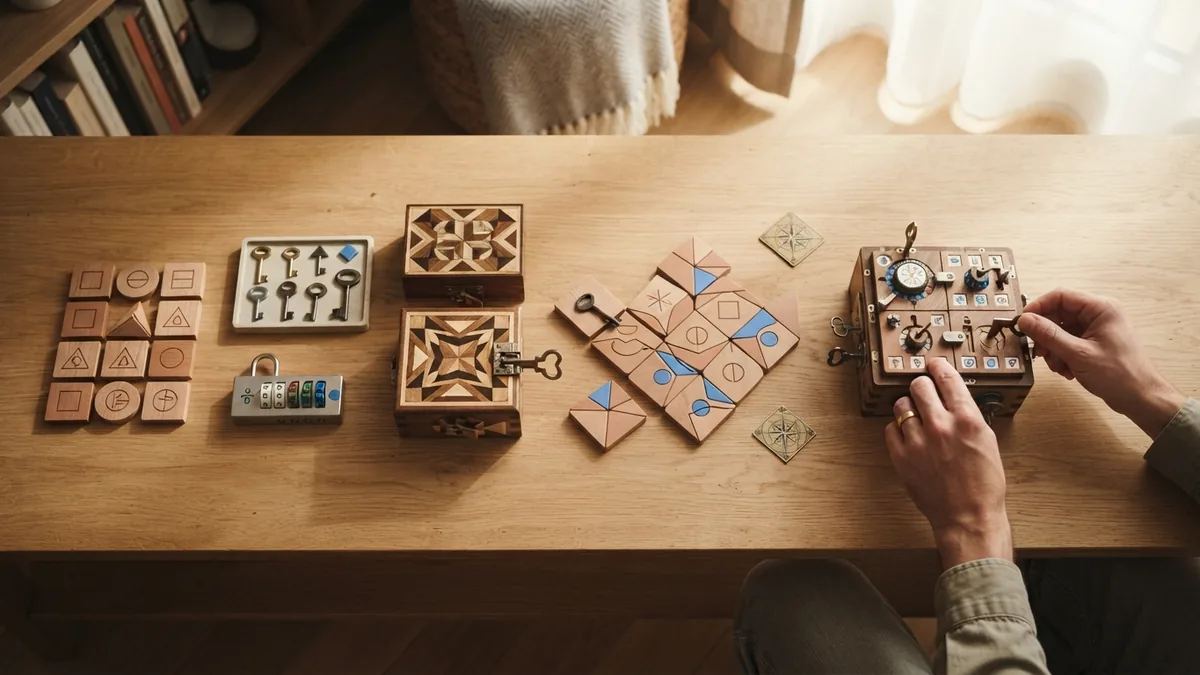
Mix puzzle types to suit different skills. Use codes, patterns, object searches, word links, and hands-on tasks. Keep each challenge tied to the theme. A random math sheet can break an otherwise strong story.
Use a rising level of challenge. Early puzzles should teach the room’s rules. Later puzzles can combine two or more ideas. Players should feel smarter after each success, not lost.
| Game stage | Useful puzzle goal | Good design target |
|---|---|---|
| Opening | Teach the main clue style | Solvable within 5 minutes |
| Middle | Reveal story facts | Needs teamwork or two clues |
| Late game | Combine earlier knowledge | Feels hard but fair |
| Finale | Deliver the main outcome | Clear, active, and rewarding |
Give every puzzle one main answer. Avoid clues that support several answers at once. Players need room to make mistakes without losing all progress. A hint system can keep the pace moving.
Plan three hint levels for each major challenge. The first hint should point to the right object. The second should explain the key link. The final hint should nearly show the method. This keeps player engagement high without removing all challenge.
Map the Game Flow From Start to Finish
Game flow is the order of actions, discoveries, and rewards. Sketch it before you build the room. Use boxes for puzzles and arrows for the clues that connect them.
Most rooms use a linear path, an open path, or a mixed path. A linear path sends players through one puzzle at a time. An open path lets players solve several puzzles at once. A mixed path uses open discovery first, then joins the clues for a strong finale.
For a first design, a mixed path often works well. Give players two or three early tasks. Let each task reveal part of one larger answer. Then use that answer to open the final stage.
- Show the goal within the first two minutes.
- Give players one quick win within five minutes.
- Open new areas after major discoveries.
- Place a useful hint near each likely pause point.
- Reserve the clearest reward for the final solve.
Track player movement as well as puzzle order. Too many tasks in one corner create crowding. Long walks between clues can reduce energy. Place related objects within a natural reach, but keep the next step less obvious.
Set a target run time before you write every puzzle. A 60-minute room may need 8 to 12 meaningful tasks. Add time for reading, wrong turns, and hint use. The total should leave players feeling busy, not rushed.
Test, Watch, and Refine the Room
Never launch an escape room after testing it alone. Your team already knows the answers. New players reveal unclear clues, weak links, and unfair leaps in logic.
Run at least three test groups. Use one group that knows the concept. Use two groups that see the room for the first time. Watch without helping unless the test rules allow a hint.
Record four useful measures during each test:
- Time spent on each puzzle
- Wrong answers and repeated actions
- Hints requested or missed
- Moments of strong interest or boredom
After each run, ask focused questions. Which clue felt unclear? Which task felt unfair? When did the story make sense? What did players expect to happen next?
Change one major feature at a time when possible. A small change can affect the whole flow. Test the revised puzzle again with fresh players. A room is ready when most groups finish the main path without staff rescue.
Adapt the Experience for Virtual Play
A virtual escape room moves the room into a browser, video call, or shared digital space. It still needs a goal, story, clue path, and final reward. The key difference is the way players inspect and change objects.
To create a virtual escape room, choose a platform that supports shared links, timed tasks, and private answers. You can use a slide deck, a form tool, or a custom web page. Keep the number of open tabs low. Players lose focus when the room feels like a hunt across random sites.
Design every clue for a small screen. Use large objects and strong contrast. Give each action a clear result. For digital access, follow the W3C accessibility guidelines. This helps more players read, hear, and use the room.
How does a virtual escape room work in practice? Players receive a mission, inspect shared clues, and submit answers. The system or host then reveals new content. A live host can guide pace and offer hints.
For students, keep teams small and give each learner a role. One learner can track clues. Another can check answers. A third can explain the story link. This makes a virtual escape room for students more active than a shared worksheet.
To create an escape room online, build a short test first. Use three puzzles and one final answer. Check the links, answer fields, audio, and timer on two devices. Then expand the room after the core path works.
Learn How to Become an Escape Room Designer
Learning how to become an escape room designer takes more than clever riddles. You need skills in story design, puzzle testing, space planning, and project management. You also need to understand how real players think under time pressure.
Start with a small prototype. Build one theme, three puzzles, and a 20-minute game. Use paper props or simple digital tools. A small build lets you test ideas before you spend money on rooms or custom parts.
Keep a design file for each project. Track the goal, puzzle answers, clue links, reset steps, and hint text. Add a cost list and a build schedule. These records help you repeat good work and fix weak spots.
- Study games that teach rules through play.
- Practice writing short clues with one clear meaning.
- Learn basic prop, sound, and space planning.
- Run tests with players outside your close circle.
- Review feedback without defending every design choice.
You can work in live venues, schools, events, museums, or digital studios. Each setting has different needs. A venue may need durable props and fast resets. A school may need safe tasks, short rounds, and clear learning goals.
Build a portfolio with photos, flow maps, and test notes. Show what changed after testing. That proof often says more than a list of design skills.
A Practical Checklist Before Launch
Review the full player path before opening the room. Check the story, puzzle links, safety, reset plan, and hint system. Make sure staff can explain the rules without spoiling the game.
Run one final test under real launch conditions. Use the planned time limit and staff script. Check every lock, link, battery, prop, and answer field. Small faults can stop a well-made game.
Use this final checklist:
- The goal is clear within two minutes.
- Every puzzle has a fair clue path.
- The room supports varied player skills.
- Hints protect pace without giving away answers.
- Staff can reset the game with a written guide.
- The final moment feels tied to the story.
The strongest escape rooms make players feel capable. They create tension through choices, not confusion. Start small, test often, and let each puzzle serve the story.
Step-by-step
- 01 Choose the theme and goal
Pick one setting with a clear player mission. Make sure the theme can support several related puzzles.
- 02 Write the story path
Create a short problem, a set of discoveries, and a final outcome. Link each discovery to player action.
- 03 Plan the puzzle chain
List each answer and work backward to its clues. Add varied tasks with rising challenge.
- 04 Map the game flow
Draw the puzzle order and clue links. Place early wins, hint points, and a clear finale.
- 05 Build a simple prototype
Use paper props or basic digital tools first. Test the core path before adding costly features.
- 06 Run player tests
Watch several groups without leading them. Track time, wrong turns, hints, and moments of confusion.
- 07 Refine and prepare launch
Fix unclear clues and weak links. Write reset steps, staff notes, and a final safety check.
Frequently asked questions
- How do you choose an escape room theme?
- Choose a focused theme with a clear goal and visual style. Then connect each puzzle to the setting or story.
- How do you write an escape room storyline?
- Use a goal, rising clues, and a final outcome. Each puzzle should reveal a useful story fact or action.
- How do you design puzzles for an escape room game?
- Start with one answer, then work backward to build fair clues. Mix simple and complex tasks as the game moves forward.
- What is a virtual escape room?
- Players inspect digital clues and submit answers through a browser or video call. A host or system then reveals the next task.
- How do you become an escape room designer?
- Build a small prototype, learn puzzle testing, and practice story and space design. Keep a portfolio that shows your process.
Related reading
Open Concept Kitchens — Design for Flow and Comfort
Create a kitchen and living room that feel connected, useful, and calm.
Working With an Interior Designer — From Brief to Build
Set a clear brief, share your style, and keep your design project moving.
Bedroom Rules — What a Closet Does and Doesn’t Decide
A closet may help a bedroom sell, but local safety rules decide whether it qualifies.